🚀 GeminiMcpServer
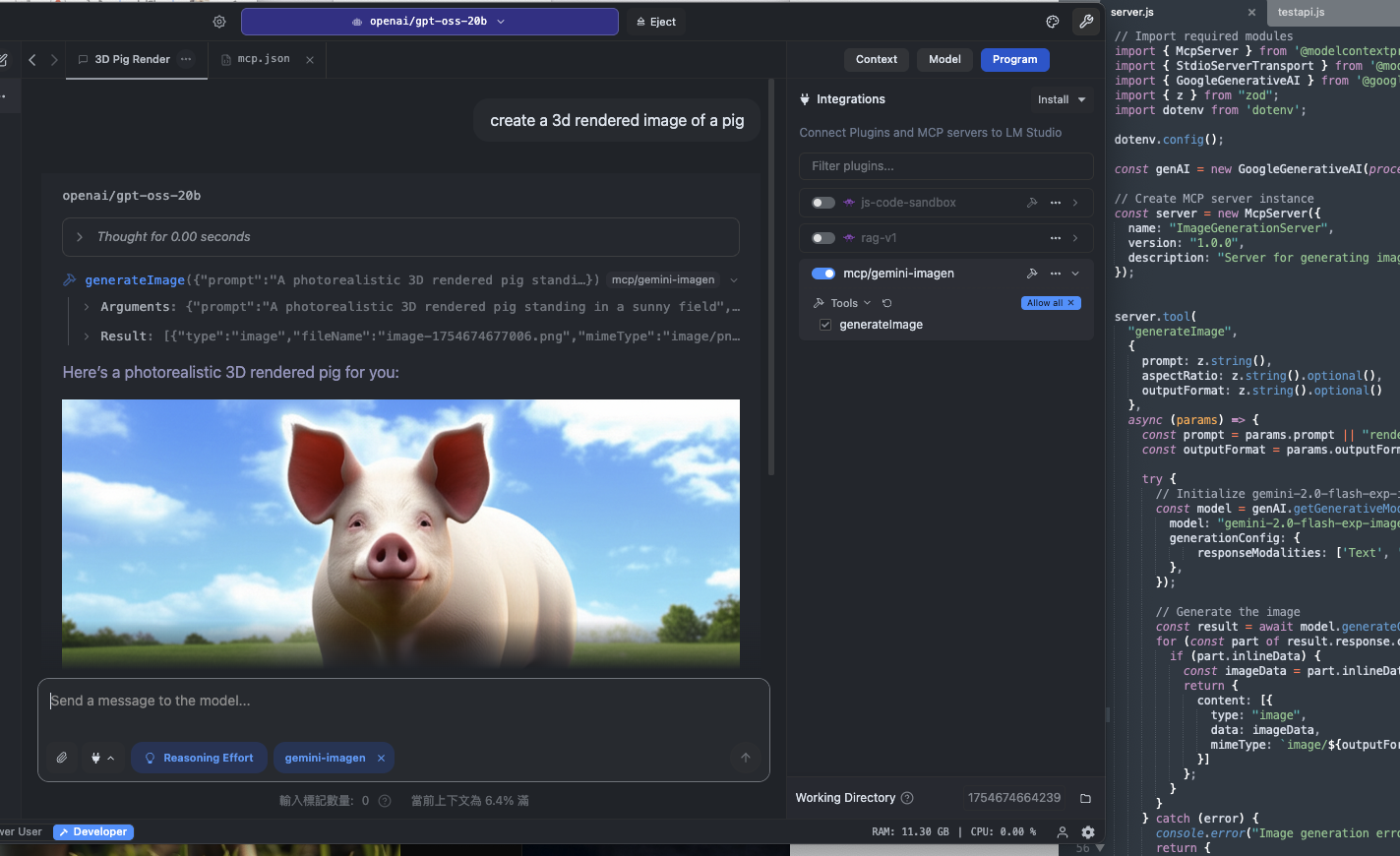
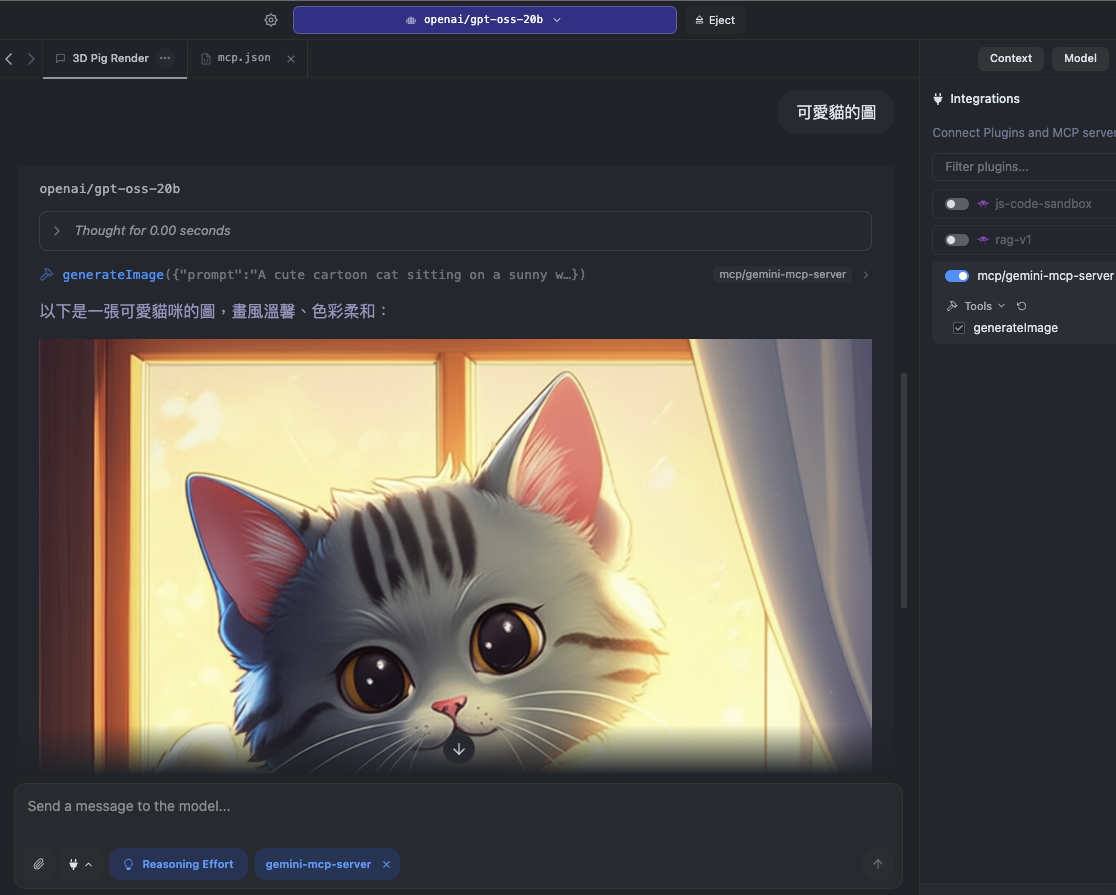
GeminiMcpServer 是一个 Model Context Protocol (MCP) 服务器,它能够将 LM Studio(或其他支持 MCP 的客户端)与 Google Gemini API 无缝连接,可用于图像生成与多模态任务处理。
🚀 快速开始
GeminiMcpServer 可助力你将 LM Studio 等客户端与 Google Gemini API 相连,开启图像生成与多模态任务处理之旅。以下是快速上手步骤:
安装与配置
git clone git@github.com:bowwowxx/GeminiMcpServer.git
cd GeminiMcpServer
npm install
创建 Google API Key:
- 前往 Google AI Studio
- 创建新的 API 密钥
配置环境变量:
在项目根目录创建 .env 文件,并加入:
GEMINI_API_KEY="your_api_key_here"
启动与测试
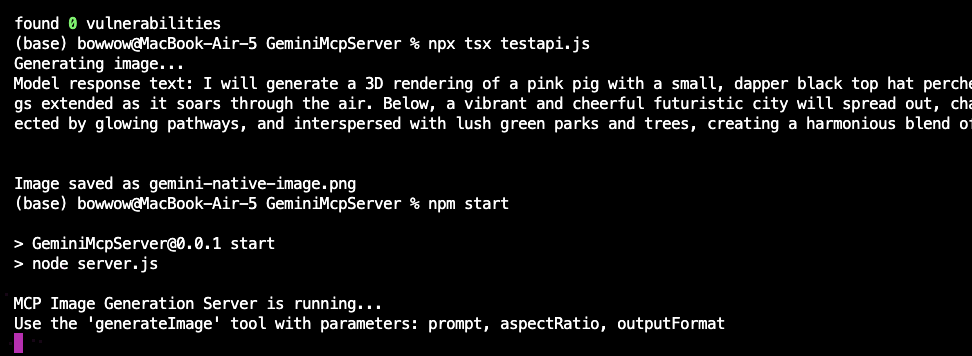
启动服务器:
npm start
执行测试:
npx tsx testapi.js
此测试会使用 Gemini 2 的实验性图像生成 API 创建图片。
✨ 主要特性
- 🔗 完整 MCP 支持 – 与 LM Studio 等 MCP 客户端实时整合。
- 🎨 图像生成 – 使用 Google Gemini 2 模型产生图片。
- 🖼 多模态输入 – (选用)同时处理文字与图片输入。
- ⚡ 本地与云端混合流程 – 本地执行 LM Studio,同时利用 Gemini API 提供的云端运算能力。
📦 安装指南
系统需求
- Node.js v20
- Google Gemini API Key(可于 Google AI Studio 申请)
- MCP 兼容客户端(如 LM Studio)
安装步骤
git clone git@github.com:bowwowxx/GeminiMcpServer.git
cd GeminiMcpServer
npm install
创建 Google API Key:
- 前往 Google AI Studio
- 创建新的 API 密钥
配置环境变量:
在项目根目录创建 .env 文件,并加入:
GEMINI_API_KEY="your_api_key_here"
💻 使用示例
基础用法
启动服务器:
npm start
执行测试:
npx tsx testapi.js
此测试会使用 Gemini 2 的实验性图像生成 API 创建图片。
高级用法
MCP 请求示例
{
"tool": "generateImage",
"params": {
"prompt": "A photorealistic 3D rendered pig standing in a sunny field",
"outputFormat": "png",
"aspectRatio": "16:9"
}
}
LM Studio 配置示例
{
"mcpServers": {
"GeminiMcpServer": {
"command": "npm",
"args": [
"run",
"start"
],
"cwd": "/Users/bowwow/github/GeminiMcpServer"
}
}
}